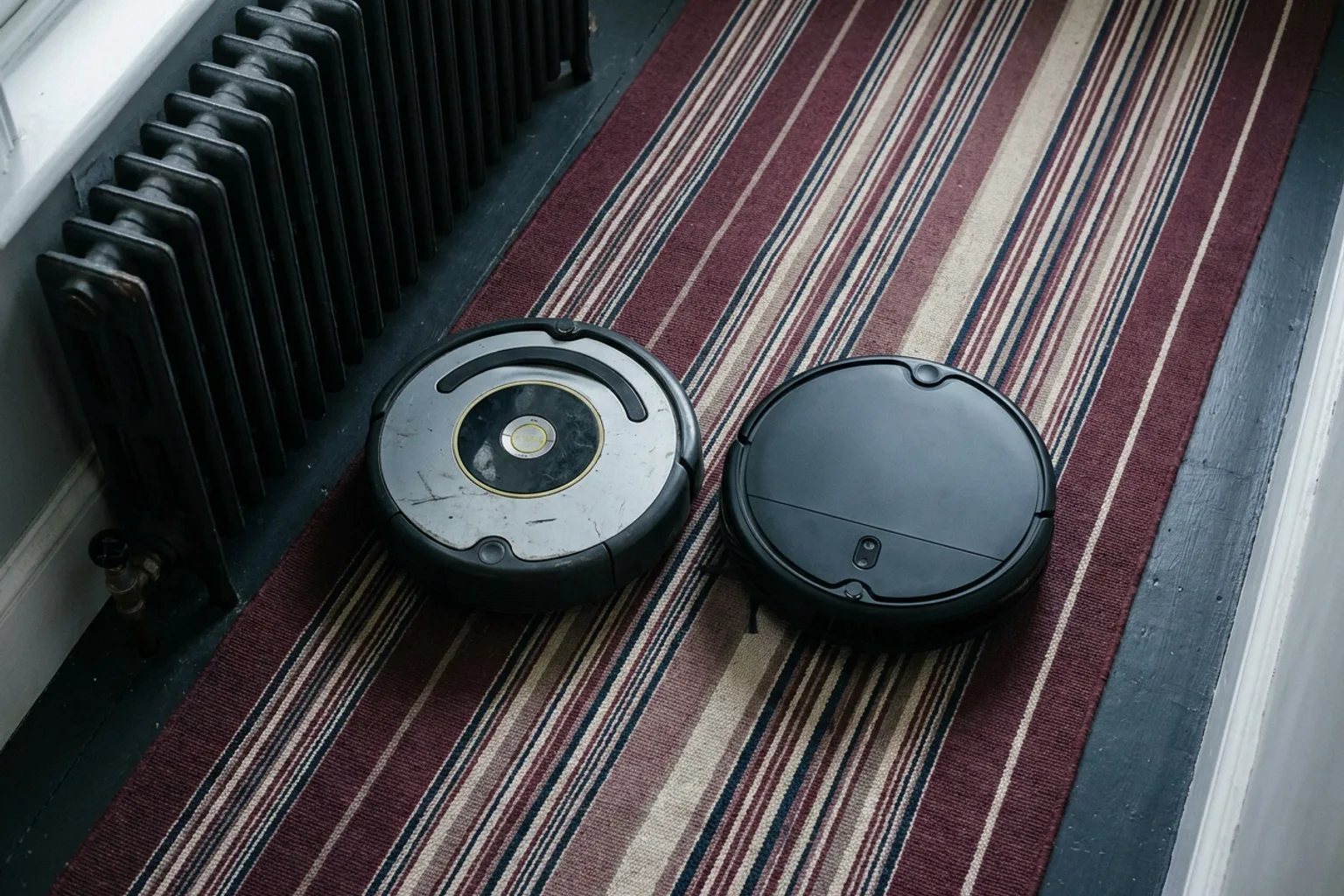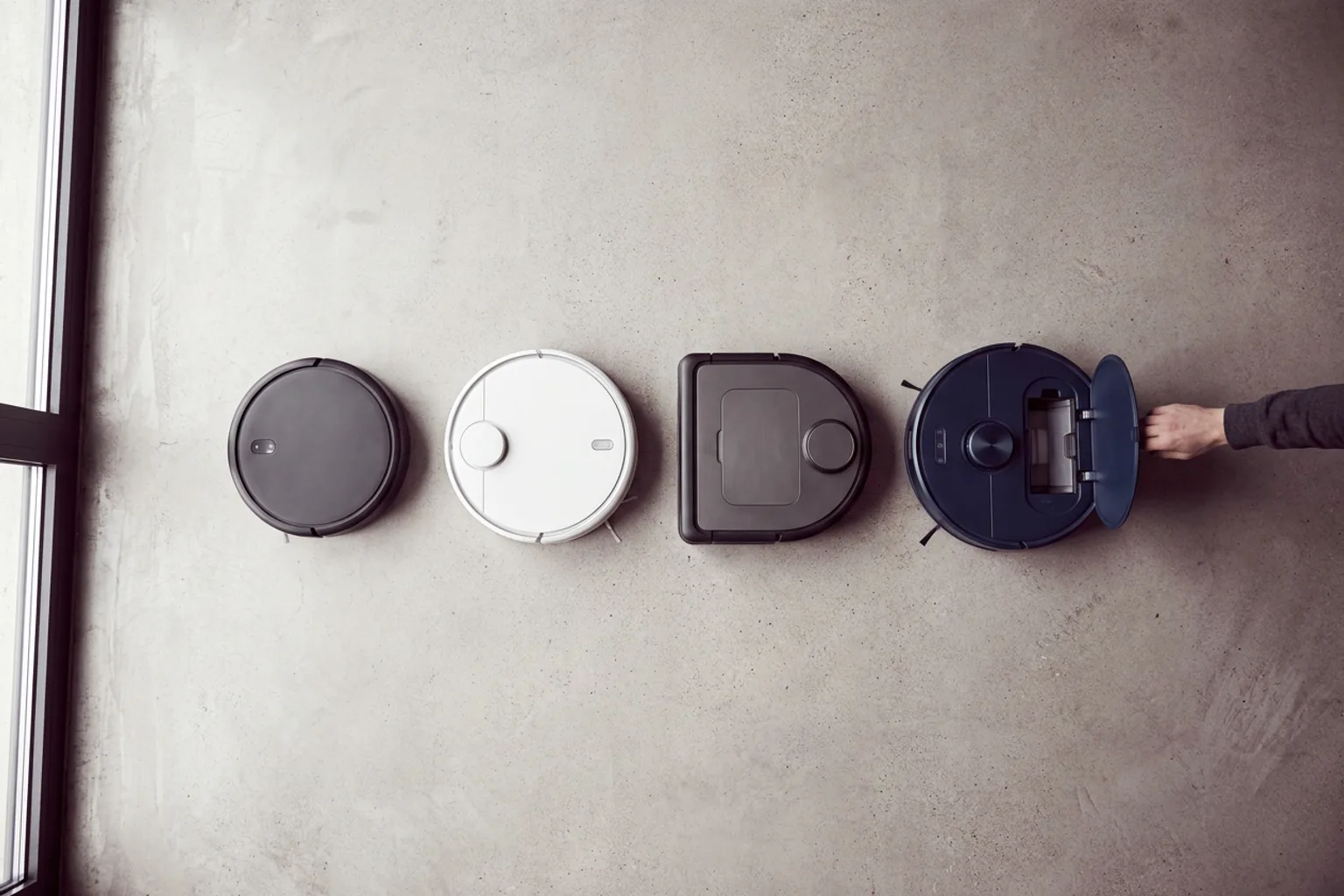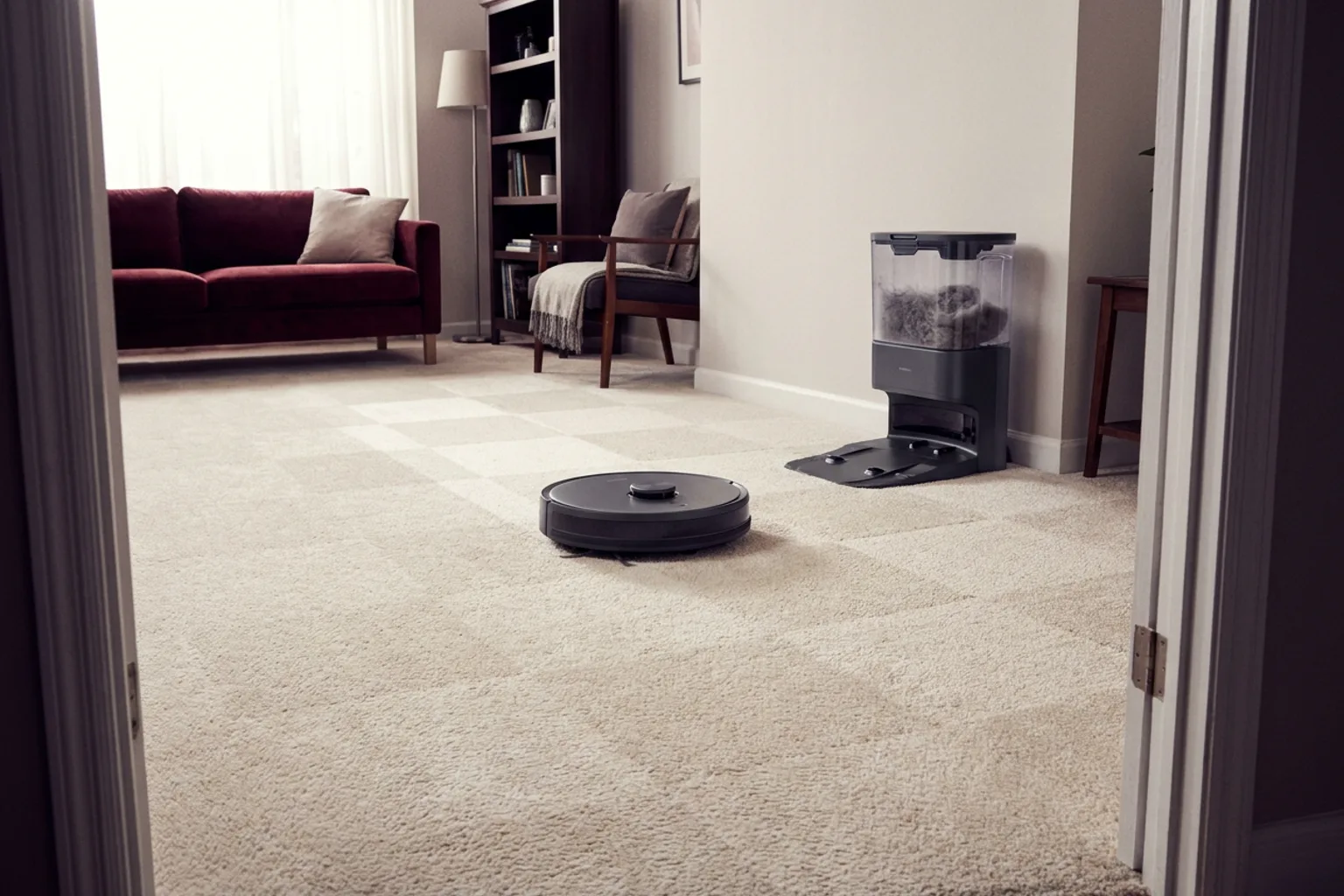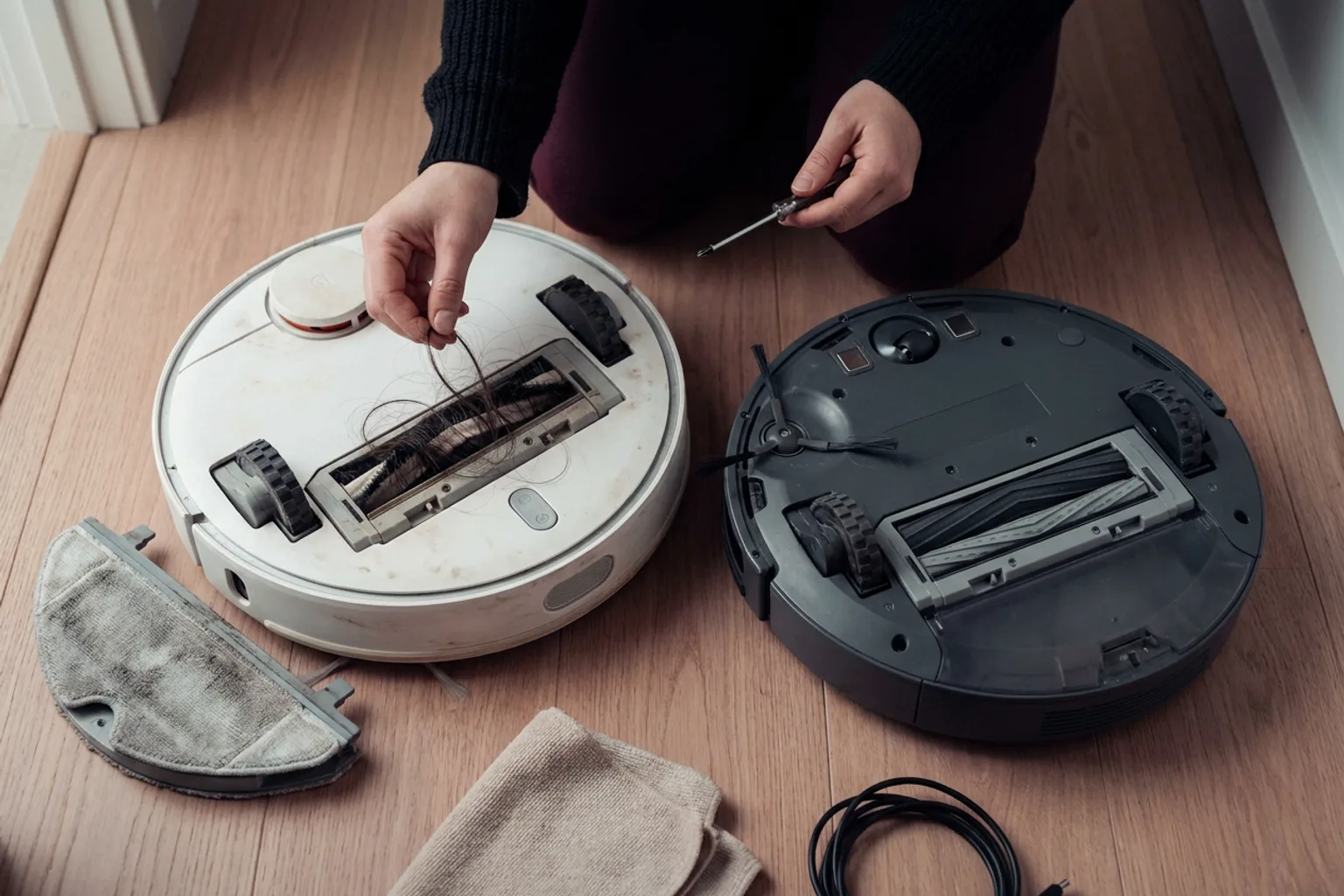
For most homes, the Roborock S6 is the better pick. Its LiDAR mapping works in any lighting, it cleans room by room within no-go zones, and it adds a basic mop. The Roomba i7 wins if you want hands-off emptying (the i7+ comes with iRobot's Clean Base) or if long hair keeps wrapping around bristle brushes, because it uses twin rubber rollers. In 2026 both are older models you'll mostly find used or refurbished, so a unit's battery, parts and app support matter more than its brand.
The older matchup, Roborock S4 vs Roomba 960, splits the same way with a wider gap. It's covered below.
Quick verdict
- Choose the Roborock S6 if you have mostly hard floors, want to send the robot to specific rooms, and would use a light damp wipe between real mopping sessions.
- Choose the Roomba i7+ if emptying a bin every day or two is the chore you want gone, or if you live with long-haired people or shedding pets.
- Skip both if a current model with LiDAR and an auto-empty dock costs close to what the seller is asking.
Roborock S6 vs Roomba i7 at a glance
| Roborock S6 | Roomba i7 / i7+ | |
|---|---|---|
| Navigation | LiDAR (spinning laser sensor) | Camera-based (vSLAM) |
| Needs room lighting | No | Works best with some light |
| Room-by-room cleaning | Yes | Yes (Imprint Smart Mapping) |
| Off-limits areas | No-go zones, invisible walls, no-mop zones | Keep Out Zones |
| Mopping | Clip-on mop and water tank; pad doesn't lift | None on the robot |
| Self-emptying | No, you empty the bin by hand | i7+ includes the bagged Clean Base |
| Main brush | Single brush with bristles | Two rubber rollers |
| Recurring buys | Filters, brushes, mop cloths | Filters, rollers, Clean Base bags |
You can't compare suction fairly. Roborock lists a pascal rating, but iRobot didn't publish an equivalent figure for these Roombas. On a used robot, a clogged filter or worn brush affects pickup more than the original rating anyway.
Where the Roborock S6 pulls ahead
Mapping and control
LiDAR measures the room with a spinning laser, so the S6 maps quickly and works whether or not the lights are on. It cleans in tidy back-and-forth rows. In the app you can pick rooms, draw no-go zones and block areas with invisible walls. For the details, here's how LiDAR and camera navigation work.
A mop in the box
The S6 carries a small water tank and a mop pad behind the brush. Treat it as a damp wipe for dust and light footprints, not a scrub for dried spills.
The pad doesn't lift, so you either set no-mop zones over rugs or detach the mop before carpet runs. If you want serious mopping, read about whether a vacuum-mop combo is worth it before settling on the S6's attachment.
Where the Roomba i7 pulls ahead
Self-emptying (i7+)
The i7+ docks into iRobot's Clean Base, which empties the robot's bin into a disposable bag. Day to day, you stop emptying the robot every couple of runs and change a bag occasionally instead. You'll keep buying bags, so check they're still easy to find before you commit.
Rubber rollers for hair
The i7's two counter-rotating rubber rollers are its quiet advantage. Long hair and pet fur tend to wrap around bristle brushes like the S6's, and they're usually quicker to pull off rubber. If you have a heavy shedder or several people with long hair, this matters more than any mapping feature.
The camera trade-off
The i7 navigates with a camera, so it works best with some light in the room. Schedule runs for daytime or leave a lamp on. It still offers room selection and Keep Out Zones, so day-to-day control is close to the S6's. It just copes less well with dark rooms.
Roborock S4 vs Roomba 960: same split, wider gap
These are the cheaper siblings, and the difference between them is bigger:
- Roborock S4: LiDAR mapping with room selection, vacuum-only with no mop, emptied by hand. It was the stripped-down S-series model, so confirm in the Roborock app which map tools, especially no-go zones, your unit offers on its current firmware.
- Roomba 960: camera navigation and rubber rollers. It cleans a whole level each run and shows a coverage map afterward, but you can't pick rooms. Off-limits areas rely on iRobot's battery-powered Virtual Wall beacons, not zones drawn in the app. It doesn't self-empty or mop.
Verdict: get the S4 if you want control over where the robot goes. The 960 only makes sense if it's very cheap, you're fine with whole-floor runs, and hair tangles are your main complaint.
Checklist before buying any of these used
- Pair it first. Connect the robot to the current Roborock or iRobot app on your own phone before paying. Confirm it maps, saves the map, runs schedules and accepts firmware updates.
- Confirm it's a US unit. The charger and dock should be US-spec, and the robot should pair with the US app, because some imported units are set up for other regions.
- Test the battery. Charge it fully, run a complete clean of your largest floor, and check that it finishes and docks without stalling. Batteries lose capacity with age, so the original runtime spec tells you little.
- Inspect moving parts. Spin the brushes and wheels by hand and press the bumper all the way around. On the S6 and S4, make sure the LiDAR turret turns freely and isn't cracked. On the Roombas, check that the camera window is clean and unscratched.
- Check parts availability. Look up filters, brushes, mop cloths (S6), Clean Base bags (i7+) and a replacement battery before you commit.
- Price it against new. Compare the asking price with this month's robot vacuum discounts on current models.
- Get a return window. Even a few days lets you run the robot in your own home.
If you already own one
An S6 or i7 that still maps reliably isn't an emergency upgrade. Fresh brushes and a new filter often restore lost pickup, and a new battery pack can bring back short runs. Match part numbers to your exact model before ordering.
Upgrade when a missing feature costs you time every week. That usually means emptying the S6 by hand, mopping separately, or rescuing either robot from cords and socks.
Better buys in 2026 if you're starting fresh
Current models from these brands combine features you'd otherwise have to choose between. Pick by the strength you liked in the old matchup:
- Liked the S6's LiDAR and mop? The Roborock Q10 S5+ is listed with PreciSense LiDAR, VibraRise 2.0 mopping and an Auto-Empty Dock.
- Liked the i7+'s self-emptying? The Shark Matrix rv2310ae pairs 360° LiDAR mapping with a bagless base that Shark rates for up to 45 days of debris, so there are no bags to buy.
- Fighting pet hair? The Roborock Q10 X5+ adds a Dual Anti-Tangle System and an Auto-Empty Dock.
- Staying with iRobot? The Roomba Max 875 adds mopping, with an AutoWash Dock that washes the mop at 80°C (about 176°F) and a retractable mop cover.
For the current flagship version of this rivalry, see Roborock S8 MaxV Ultra vs Roomba j9+. To weigh specs for your own floor plan, compare robot vacuums side by side.