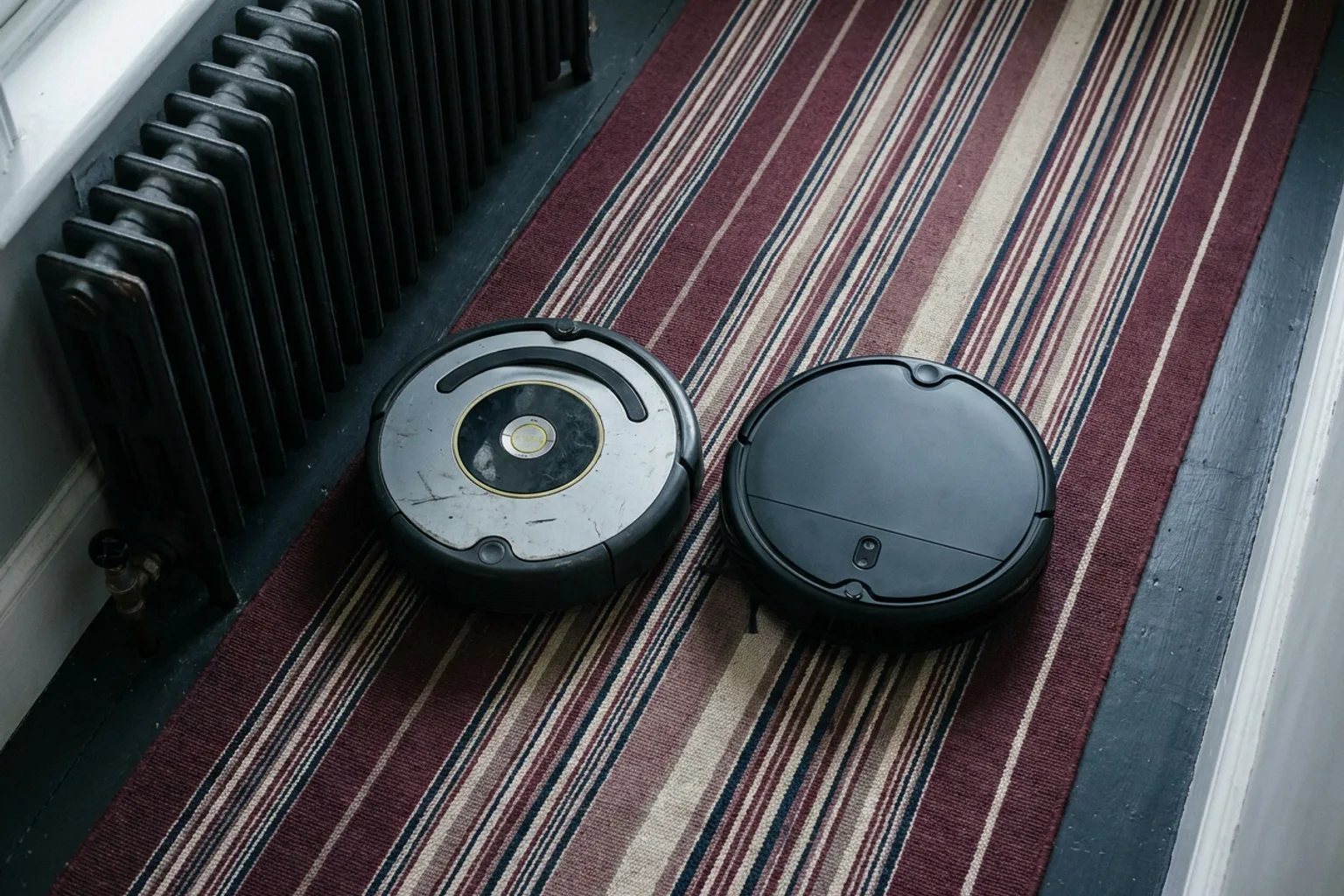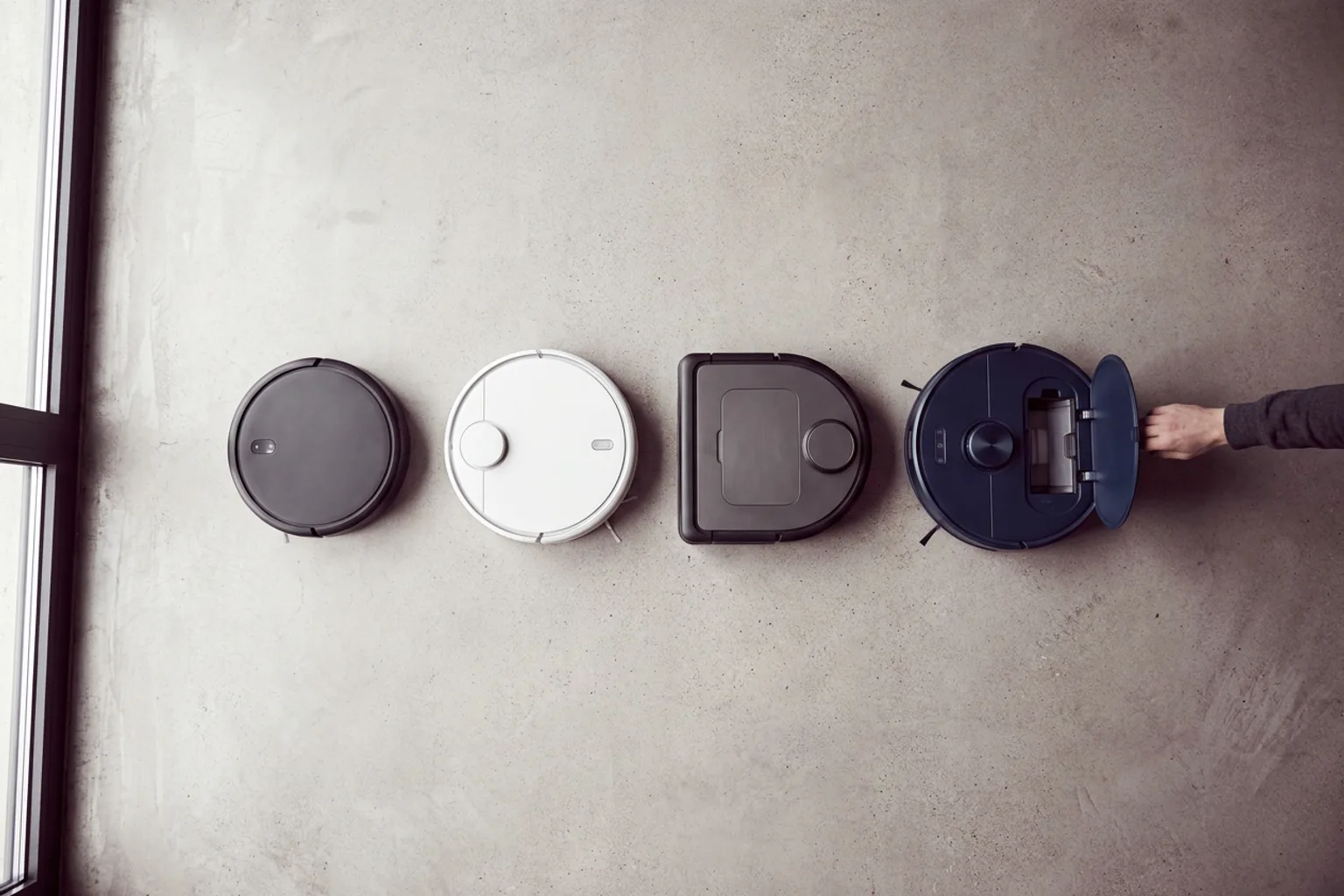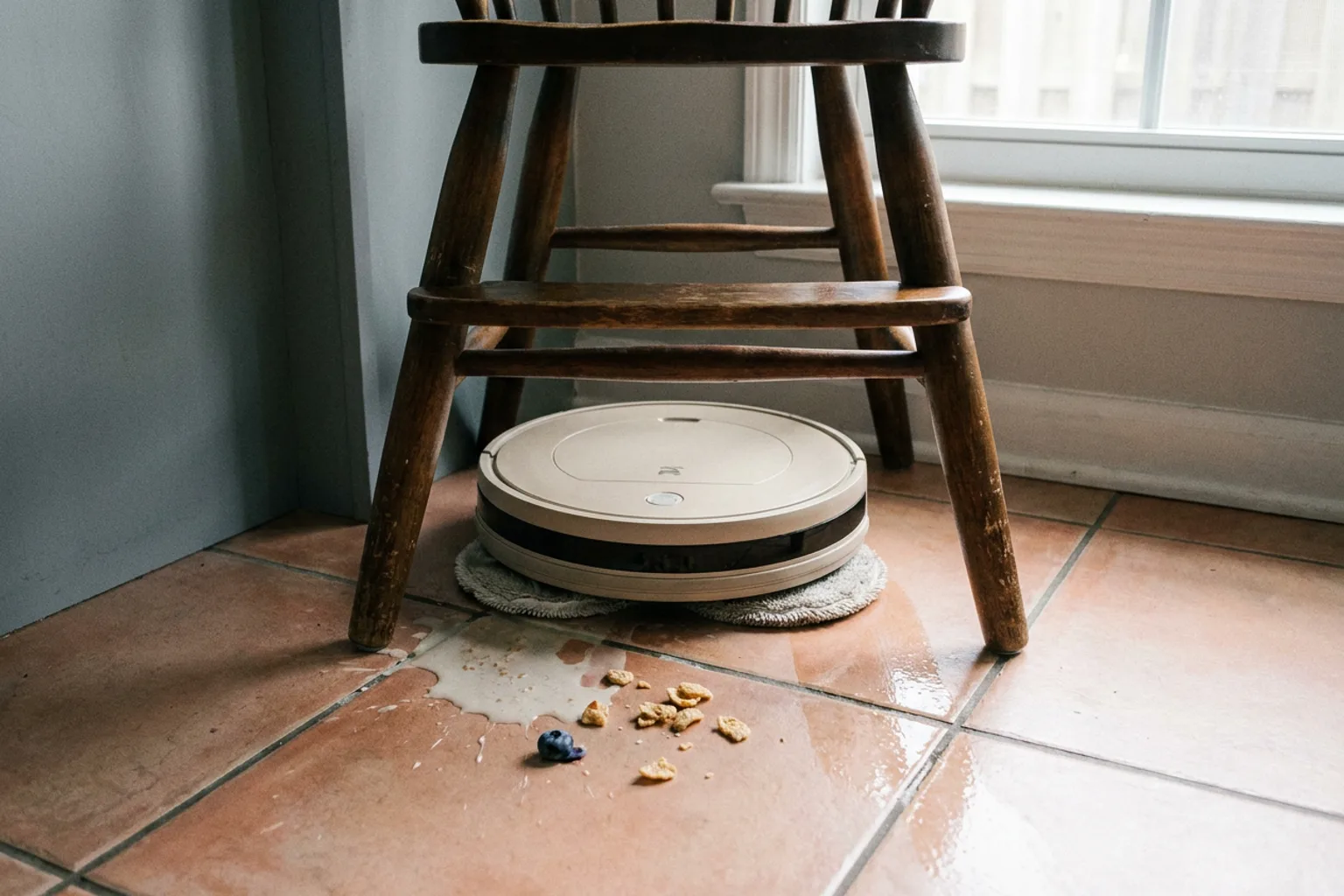
A robot vacuum is a battery-powered cleaner that drives itself. Spinning brushes sweep debris toward a suction inlet, a fan pulls it into an onboard bin, and sensors tell the robot where it is, what's in its way and where the floor drops off. Models differ mostly in navigation: budget robots bump around or drive in gyroscope-guided rows, while pricier ones map your home with a laser or camera, clean room by room and return to a dock that may also empty the bin and wash the mop pads.
What happens during one cleaning run
Most vacuum robots follow the same sequence:
- Gets its bearings. A mapping robot matches what its sensors see against the saved map. One without a map just starts driving.
- Plans a route. Mapped models usually go room by room, pairing an edge pass with tight back-and-forth rows. Simpler robots estimate distance to drive in rows, or they turn whenever they bump into something.
- Cleans as it moves. Side brushes flick debris out of corners, the main brush lifts it, and airflow carries it into the bin.
- Reacts to obstacles and edges. The bumper registers contact and cliff sensors watch for drops. On better models, front sensors steer around cords and socks before touching them.
- Returns to the dock. Mapped robots know where the dock sits, and most docks emit an infrared signal for the final approach. Many models recharge mid-job and resume where they stopped.
- Hands off to the dock. A self-emptying dock uses its own suction motor to pull debris from the robot's bin into a bag or container.
What's inside a robot vacuum
Most robot vacuum cleaners share the same core parts:
| Part | What it does | What to check |
|---|---|---|
| Side brush | Sweeps edges and corners into the robot's path | Splayed bristles mean it's due for replacement |
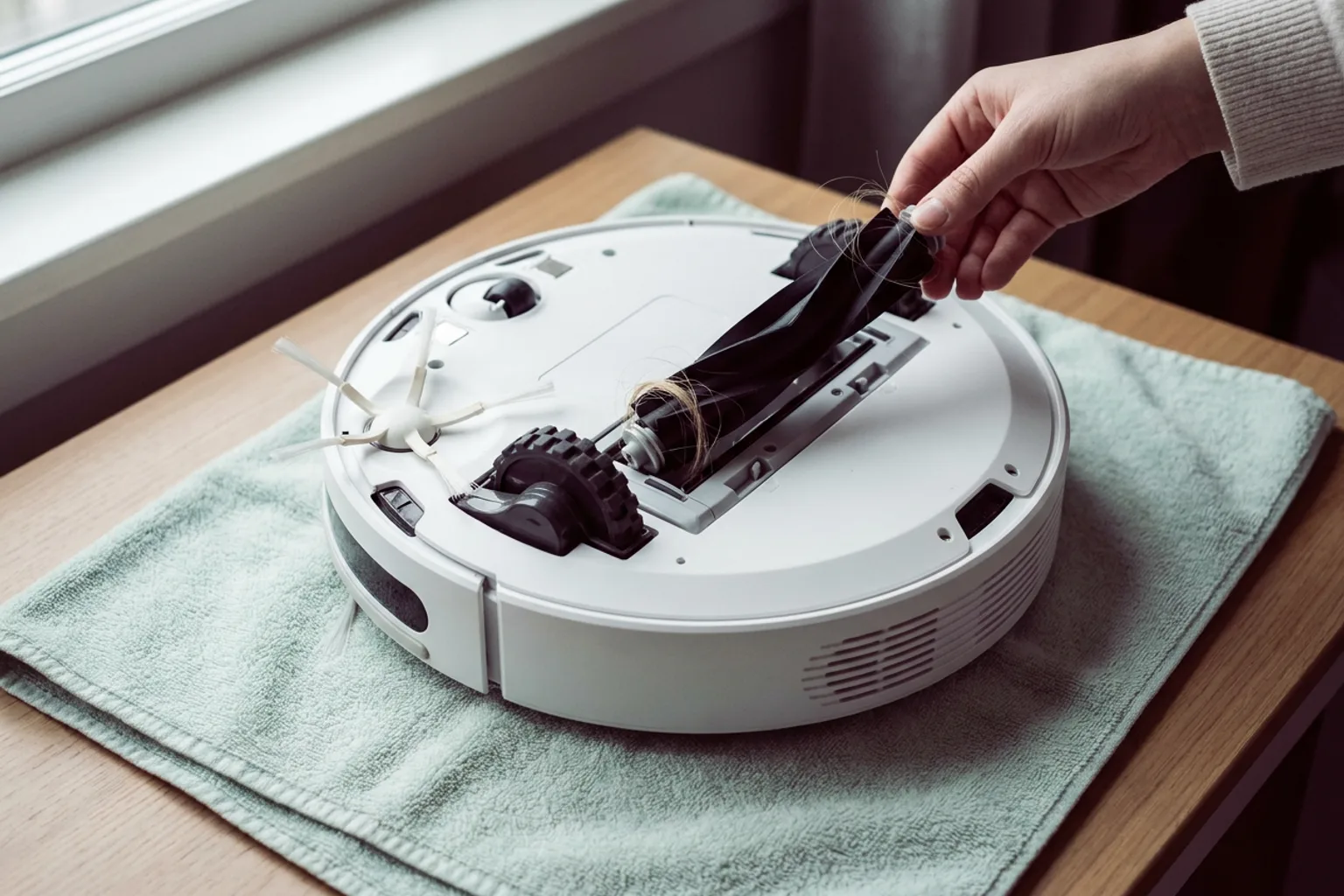
| Main brush roll | Agitates carpet and lifts debris toward the suction inlet | Rubber or tangle-resistant rolls cope better with long hair |
| Suction fan | Creates the airflow that carries debris into the bin | Pascal (Pa) ratings are reported by the manufacturer, so treat them as a rough guide |
| Dustbin and filter | Holds debris while the filter traps fine dust | Filter type and the maker's replacement interval |
| Drive wheels | Move and steer the robot; suspension helps it climb onto rugs | Maximum climbing height vs. your tallest threshold |
| Bumper | Detects contact so the robot backs off and turns | Bumper-only robots find furniture by touching it |
| Cliff sensors | Aim infrared light at the floor to detect drops | Wipe them regularly, since dust can trigger false alarms |
On carpet, the brush roll does much of the work by loosening debris from the fibers. That's why brush design can matter as much as the suction number on the box. Many models also sense carpet and boost suction automatically, and some use dirt sensors to make extra passes over grimy spots.
How robotic vacuums navigate
Mapping models use SLAM (simultaneous localization and mapping). They build a floor plan while tracking their own position on it, then reuse and refine that map on later runs. The main approaches compare like this:
| Navigation | How it works | Good at | Trade-offs |
|---|---|---|---|
| Bump-and-turn | Drives until the bumper or infrared sensors detect something, then changes direction | Low cost, simple | Misses spots, repeats others, no room control |
| Gyroscope | A gyro plus wheel-rotation counts keep it in parallel rows | Orderly coverage at a low price | Position drifts; maps are basic or not saved |
| Camera (vSLAM) | Tracks visual landmarks such as door frames and ceiling features | Saved maps; the camera can double as an obstacle spotter | Needs reasonable light |
| Lidar | A spinning laser measures distances all around the robot | Fast, precise maps in any light | The turret adds height, which can keep it out from under low furniture |
Obstacle avoidance
A map shows where the walls are, but it can't account for clutter that moves around. Higher-end models handle that with front-facing sensors:
- structured light (projected laser lines)
- 3D time-of-flight sensors
- cameras with object recognition trained on cables, shoes, socks and pet messes
These reduce tangles rather than eliminate them, so a quick floor pickup before a run still pays off.
What a saved map lets you do
- Clean chosen rooms in the order you set
- Draw no-go zones and virtual walls in the app instead of laying the magnetic strips some budget robots still use
- Set suction and water flow room by room
- Store a separate map for each floor
How robot vacuums work with stairs
Robot vacuums avoid falling down stairs using cliff sensors. These are small infrared emitters and receivers on the underside, mostly toward the front. Each one bounces light off the floor and reads the reflection. When the floor drops away, the returning signal fades, so the robot stops, backs up and turns.
They don't climb stairs, though. A typical robot vacuum cleans one level at a time, and you carry it between floors. A few brands have shown stair-climbing designs, and our robot vacuum news tracks which ones actually go on sale in the US.
For multi-level homes:
- Get multi-floor mapping. The robot stores a map of each level, and many models recognize which floor they're on.
- Plan for charging. Without a dock upstairs, the robot can clean but can't recharge or self-empty there. Some brands sell spare charging bases.
- Add a no-go zone along the top step as a backup.
Very dark rugs and some glossy surfaces can fool cliff sensors. A black rug may absorb enough infrared light to read as a drop, so the robot won't drive onto it. Don't tape over the sensors to work around this, because that also disables stair protection.
Thresholds are a separate limit. A robot can only climb door sills and rug edges up to the climbing height on its spec sheet, which is often listed in millimeters (25.4 mm = 1 inch).
How robot vacuum mops work
Mopping robots add a water tank and one or more pads. A pump or gravity drip wets the pads, and models with electronic flow control let you set the water level in the app. The pad style decides how much scrubbing happens:
- Drag pad: a flat microfiber pad pulled behind the robot. Fine for dust and footprints.
- Vibrating pad: oscillates rapidly for extra scrubbing on dried spots.
- Dual spinning pads: two round pads rotate while pressing on the floor. Many designs can lift or detach them.
- Roller mop: a cylindrical mop. Some designs keep rinsing it with clean water during the run.
Carpet is the tricky part. When a robot detects carpet, it does one of three things, depending on the model:
- avoids the carpet while mopping
- lifts the pads a set height
- leaves the pads at the dock before vacuuming rugs
Compare the listed mop-lift height with your rug's pile, since a small lift can still dampen a thick rug.
Self-washing docks automate the messy part. They refill the robot's tank, scrub the pads and collect dirty water in a separate tank. On many models, they also dry the pads with warm air to help prevent odors. Some can connect to a water line, which may require a separate kit or a different version of the dock.
Robot mops excel at frequent maintenance wiping. Dried-on spills and grout still need a hands-on mop. To compare pad styles and docks side by side, see our robot vacuum and mop combos compared by mop type and dock. The choice usually comes down to a compact combo you refill by hand or a self-washing dock that looks after the pads for you.
What wears out
Cleaning performance drops gradually as parts wear, often without any obvious sign:
- Brush rolls collect hair and string, especially at the ends. Cut tangles free regularly.
- Side brushes splay and stop reaching into edges.
- Filters clog with fine dust and choke airflow.
- Mop pads lose texture and can smell if they stay damp.
- Dock bags fill and need replacing. Bagless containers need emptying and cleaning.
- Sensors and charging contacts need an occasional wipe with a dry cloth.
Follow the replacement intervals in your manual. A replacement brush and filter kit swaps out the fastest-wearing parts without buying a new robot. Confirm it lists your exact model first.
Checklist: match the robot to your home
- Clearance: Measure the gap under your sofa, bed and cabinets in inches. Compare it with the robot's height, including any lidar turret.
- Thresholds: Compare your tallest door sill or rug edge with the climbing height.
- Rugs: Note the pile height (for mop lift) and any very dark rugs (for cliff sensors).
- Levels: If you have stairs, look for multi-floor maps and decide where the robot will charge on each floor.
- Pets: Prioritize a tangle-resistant brush roll and obstacle recognition.
- Floors: Mostly hard floors favor a mopping model. With mostly carpet, prioritize the brush roll and carpet boost.
- Dock space: Self-emptying and self-washing docks are far bulkier than a charging base. Check the dimensions and the clearance the manual asks for.
- Running costs: Price out bags, filters, brushes and pads on the manufacturer's site before you buy.
Still unsure a robot suits your home? Read where robot vacuums excel and where they struggle.
If you don't need mopping, these vacuum-only picks fit a small apartment on a budget, a larger multi-room home and a household with shedding pets: