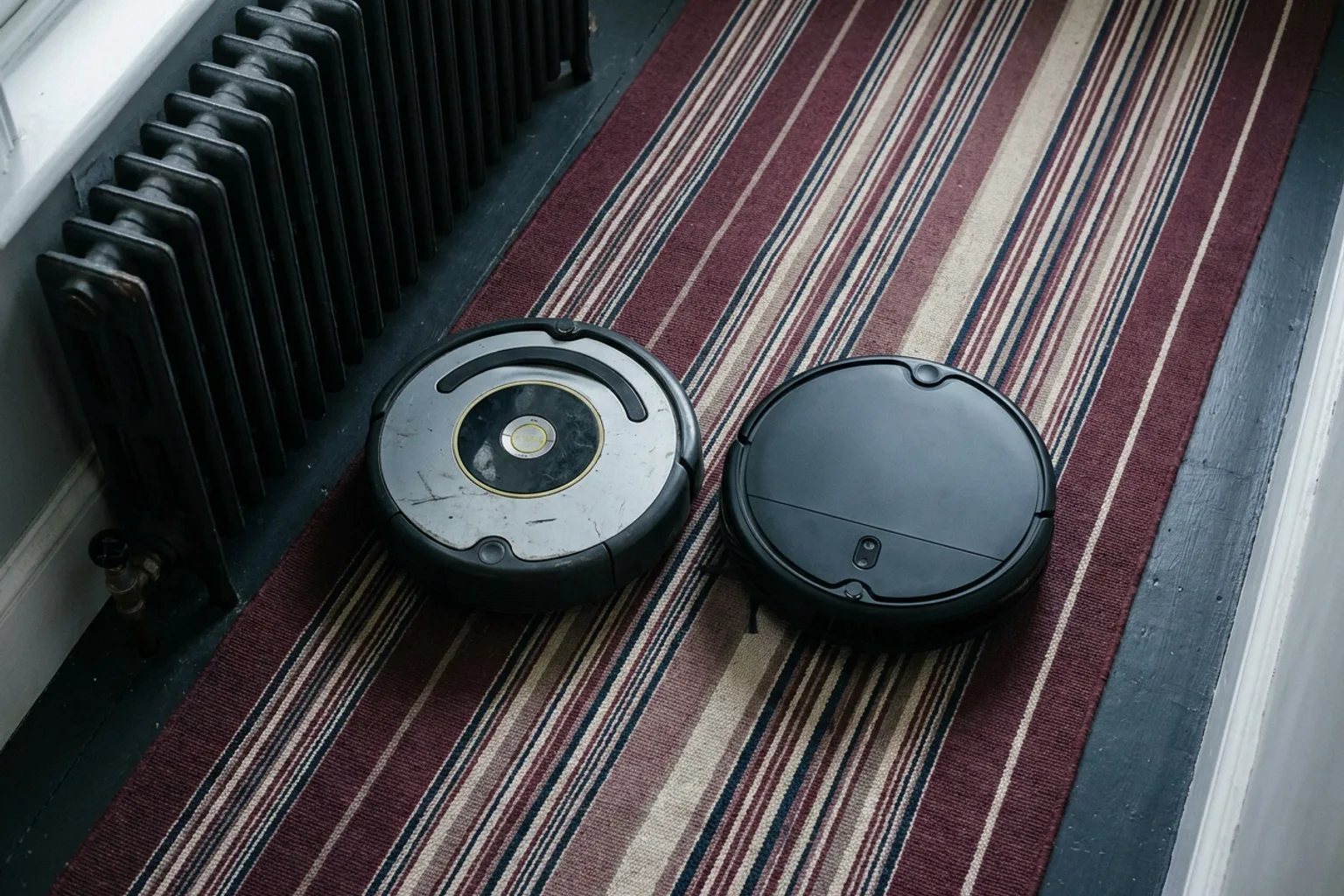
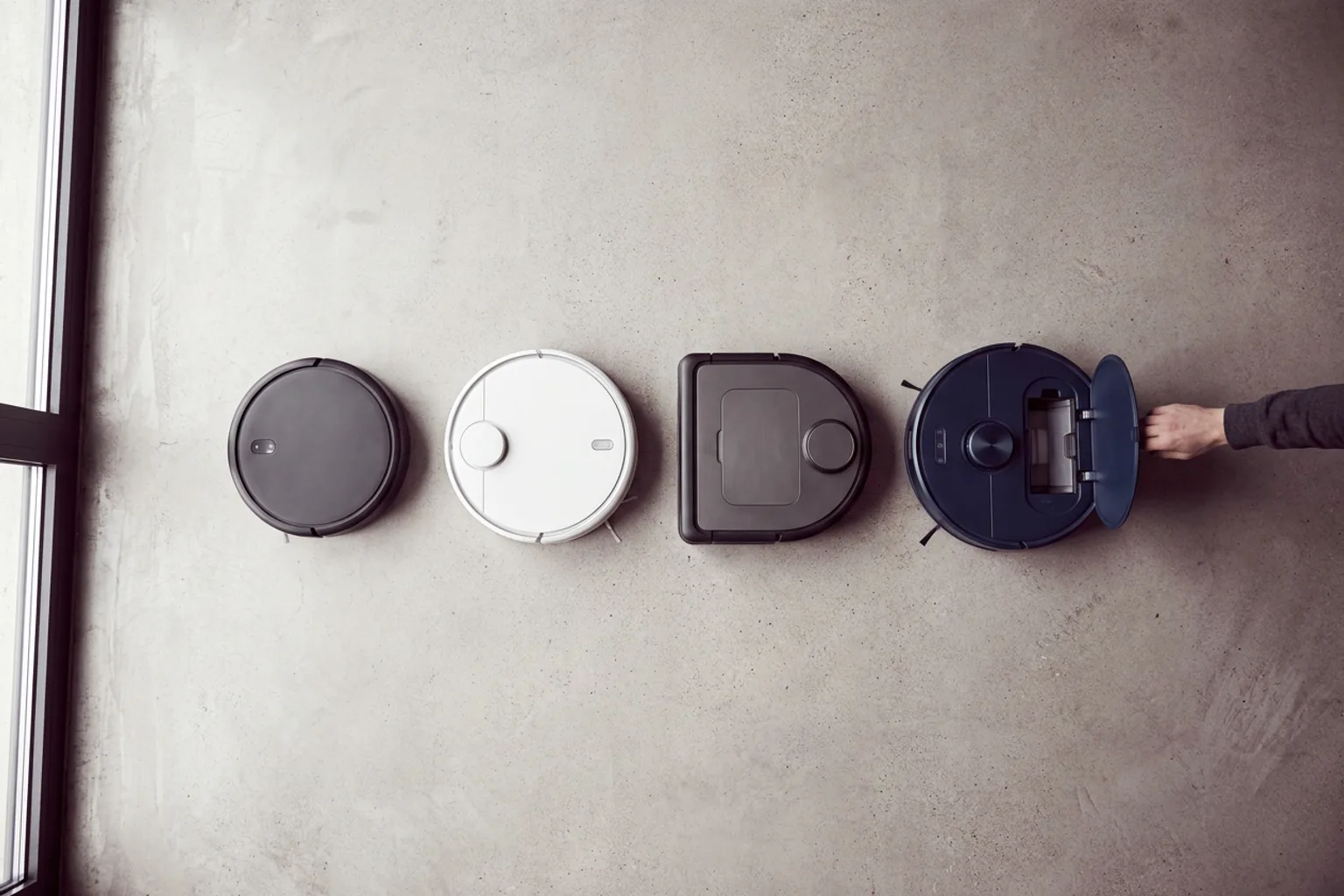
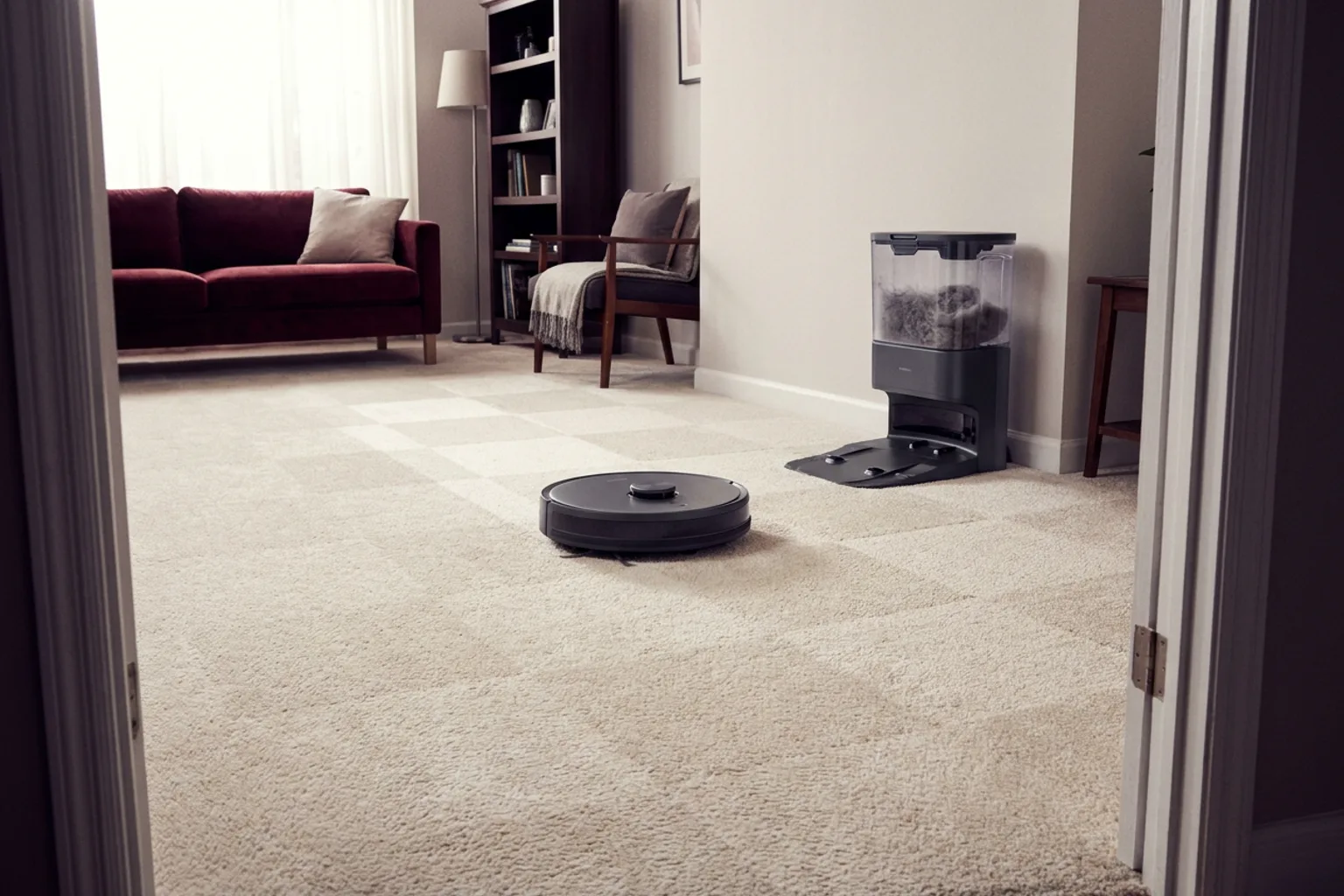
Choose any two models from the catalog to review their differences in one place. Use the side-by-side layout to identify which set of features better fits your floors, home, and cleaning routine.
| Spec | 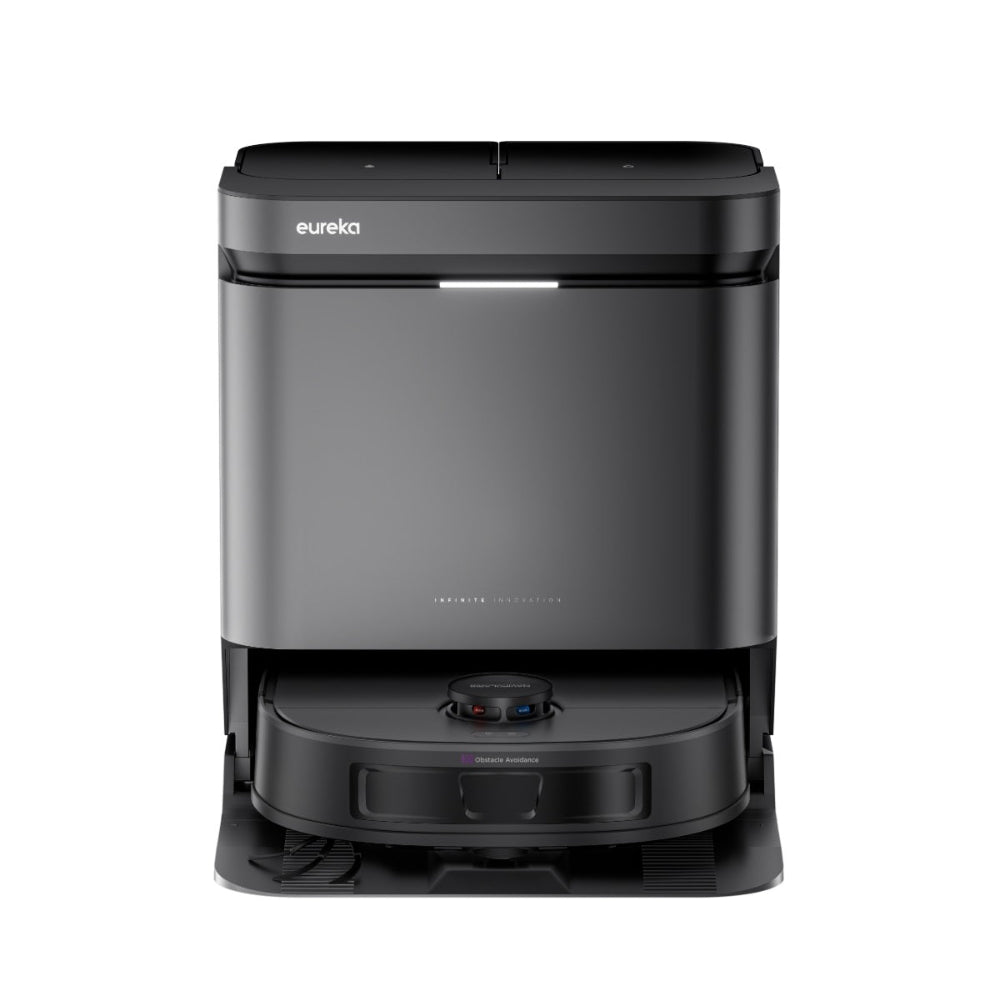 Eureka J15 Evo Ultra Eureka J15 Evo Ultra | |
|---|---|---|
| Price | $279 | $599.99 |
| Rating | ||
| Filter type | HEPA | — |
| Rec. use | Residential | — |
| Dimensions | 15.04 x 12.60 x 4.29 in | — |
| Has nrtl listing certification | N | — |
| Recommended Use | Residential | — |
| Brand | — | Eureka |
| Cordless | — | Yes |
| Color | — | Black |
| Assistant Support | — | Google Assistant, Amazon Alexa |
| Weight | — | 44 lb |
| Check price | Check price |
What to compare
Begin with the cleaning system: vacuum performance, brush design, edge cleaning, carpet handling, and mopping controls. Check navigation and mapping features, especially if the robot must work across multiple rooms or floors. Runtime, charging behavior, height, and obstacle clearance can affect whether it reaches all of the areas you want cleaned. For mop-capable models, review water management, pad handling, surface restrictions, and the amount of manual maintenance required. Also compare app controls, scheduling, no-go zones, voice assistant support, included accessories, replacement consumables, and warranty or service information. Ratings provide useful context, but they should support, not replace, a review of the specifications.
How to read the result
Use the comparison table to spot differences first, then open the detailed product information for qualifications and missing context. A higher rating does not automatically mean a better fit for every home. Prioritize the rows that match your routine, such as pet hair pickup, carpet cleaning, quiet operation, or reduced dock maintenance. Check whether a feature is included, optional, limited to certain surfaces, or dependent on app settings. If the two options are close, compare their maintenance requirements and known limitations before deciding. The catalog may change over time, so confirm the current specifications on each product page.